Port Scan Detect
A web tool for analyzing PCAP files to detect port scans, visualize protocol distributions, and identify suspicious network activity.
Overview
Port Scan Detect is a cybersecurity tool that helps network administrators and security professionals analyze network traffic for potential threats. By uploading PCAP (Packet Capture) files, users can detect various types of port scans, visualize protocol distributions, and identify suspicious IP activity.
The tool leverages PyShark for deep packet inspection and Chart.js for interactive visualizations. It's designed for both educational purposes and practical security analysis, making network security accessible and visual.
Key Features
Port Scan Detection
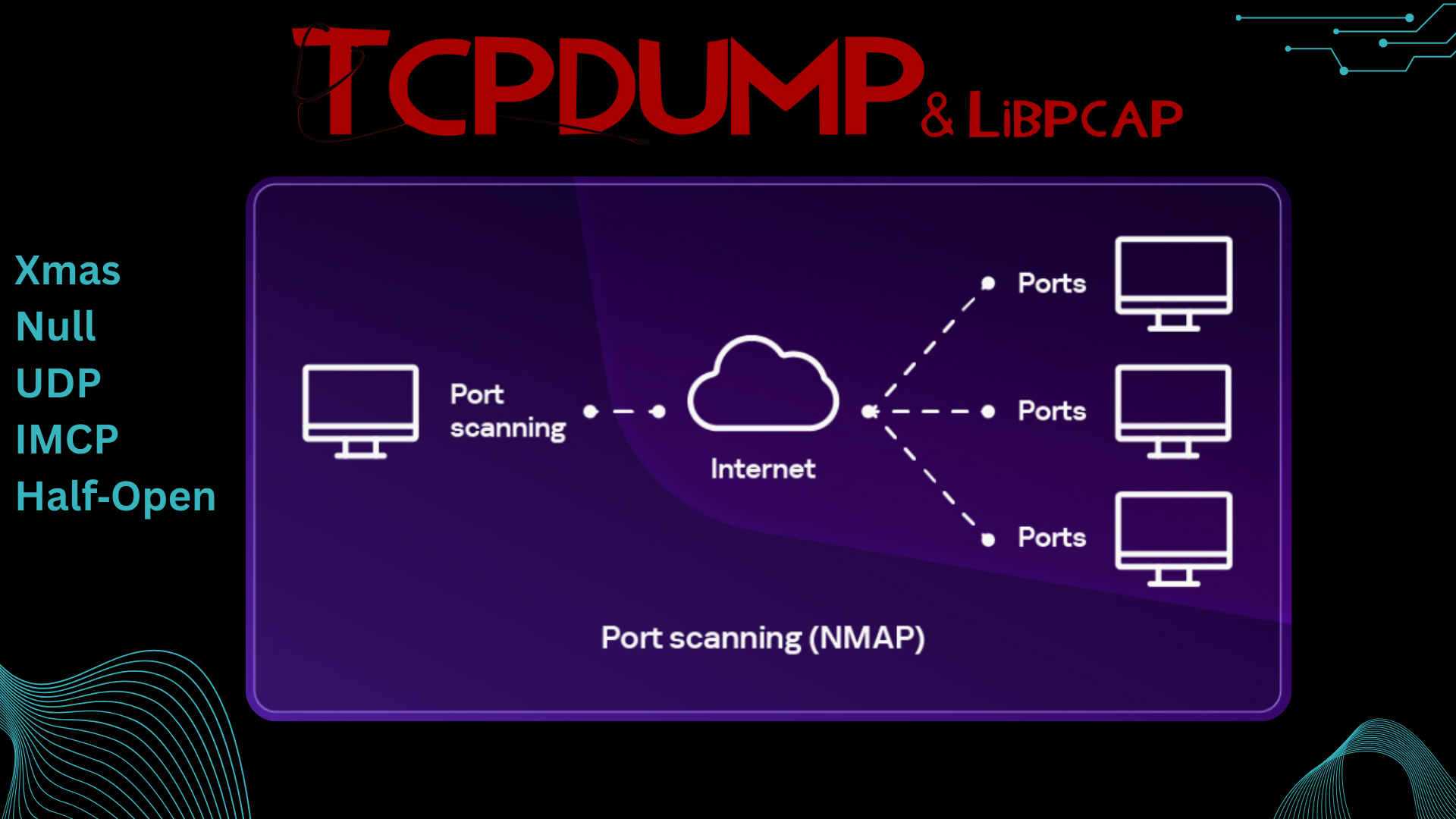
Detects Null, Xmas, Half-Open, and UDP port scans using PyShark packet analysis.
Protocol Analysis
Interactive visualization of protocol distributions with Chart.js graphs and statistics.
IP Frequency Tracking
Identifies suspicious activity by tracking IP connection frequencies and patterns.
Threat Intelligence
Provides detailed reports on detected scan types and potential security threats.
Technology Stack
Detected Scan Types
Null Scan - Sends TCP packets with no flags set
Xmas Scan - Sends packets with FIN, PSH, and URG flags
Half-Open Scan (SYN Scan) - Sends SYN packets without completing TCP handshake
UDP Scan - Probes UDP ports to identify open services
Real-World Applications
Port Scan Detect is useful for multiple scenarios:
- Network Security Analysis - Identify unauthorized scanning attempts and potential attackers.
- Educational Tool - Learn about different port scan techniques and how to detect them.
- Penetration Testing - Analyze your own NMAP scans to understand detection signatures.
- Incident Response - Investigate security incidents by analyzing captured network traffic.
The tool processes PCAP files offline, making it safe for analyzing sensitive network captures without exposing live traffic. All analysis happens locally on the server, ensuring data privacy and security.