Case Studies · March 22, 2025 · 6 min read
GitHub Actions at a Robotics Company: What We Automated, In What Order
Six months building CI/CD at Universal Robots in Denmark. What we automated, the order we did it in, and the parts I would build differently now.
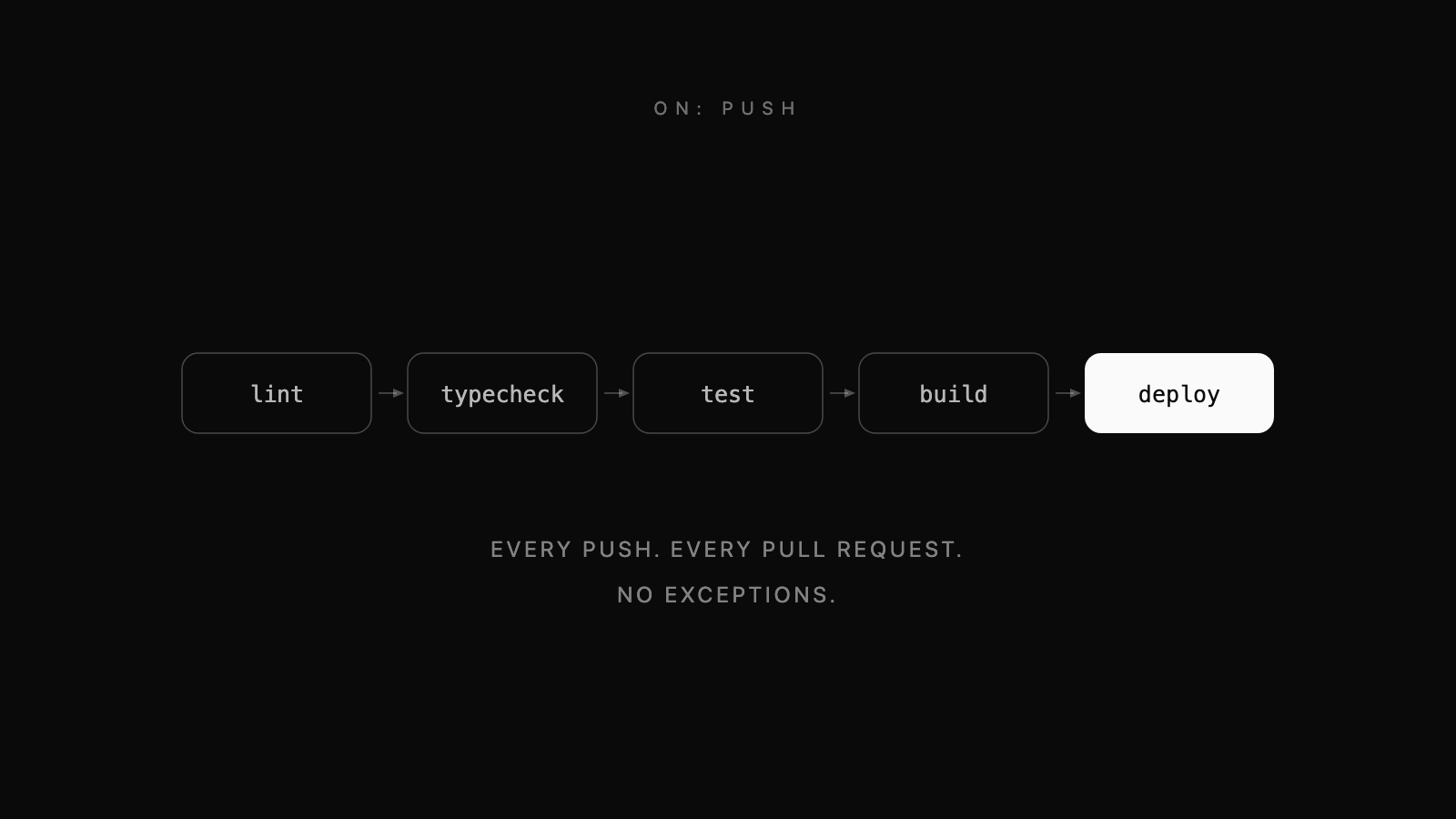
I spent six months as a DevOps engineering intern at Universal Robots in Odense, building CI/CD pipelines for a company that ships industrial robot arms. That context matters, because it changes what automation is for. On a web product a bad deploy is embarrassing. At a robotics manufacturer the software sits closer to things that move, and the appetite for finding out in production is correspondingly low.
What follows is the shape of what we built and, more usefully, the order we built it in.
What it replaced
The starting position was the one most teams recognise. Checks existed but were run by hand and therefore run inconsistently. Deployment was a sequence of steps someone followed from a document, which meant it worked reliably right up until the person who normally did it was on holiday.
The failure mode of a manual process is not that people are careless. It is that the process has no memory. Every improvement lives in one person's head and leaves when they do.
Start with checks, not deploys
The instinct is to automate the deploy first because it is the most tedious part. That is backwards. Automated deployment without automated verification just lets you ship broken code faster. Checks first:
name: CI

on:
  push:
    branches: [main]
  pull_request:

jobs:
  verify:
    runs-on: ubuntu-latest
    steps:
      - uses: actions/checkout@v4

      - uses: actions/setup-node@v4
        with:
          node-version: '22'
          cache: 'npm'

      - run: npm ci
      - run: npm run lint
      - run: npm run typecheck
      - run: npm test
The cache: 'npm' line is doing more work than it looks like. Dependency installation dominates the runtime of most small pipelines, and caching it is usually the single largest speedup available for one line of configuration. Do it before you start optimising anything else.
A workflow nobody has to obey is not a workflow
This is the step teams skip, and skipping it makes everything above decorative. A pipeline that reports a failure into a channel nobody reads has automated the checking and left the enforcement exactly where it was.
Turn on branch protection, require the checks to pass before a merge, and require the branch to be current with its base. The moment CI is the thing standing between a change and main, people start caring whether it is fast and whether it is flaky, and both of those problems get fixed on their own.
Build once, then promote
For anything containerised, build the image a single time and move that exact artefact through environments. Rebuilding per environment means the thing you tested is not the thing you shipped.
  build:
    needs: verify
    runs-on: ubuntu-latest
    steps:
      - uses: actions/checkout@v4

      - uses: docker/build-push-action@v6
        with:
          push: true
          tags: registry.example.com/service:${{ github.sha }}
          cache-from: type=gha
          cache-to: type=gha,mode=max

  deploy:
    needs: build
    runs-on: ubuntu-latest
    environment: production
    steps:
      - run: |
          kubectl set image deployment/service \
            service=registry.example.com/service:${{ github.sha }}
          kubectl rollout status deployment/service --timeout=120s
Tagging by commit SHA rather than latest is what makes a rollback a one line operation instead of an investigation. The rollout status call with a timeout is what turns a deploy that silently failed into a pipeline that goes red.
The environment: production key is worth knowing about. It lets you attach a required reviewer to that job in the repository settings, so the pipeline runs all the way to the edge of production automatically and then waits for a human. That is usually the right amount of automation for a system with physical consequences.
Infrastructure in the same pipeline
We provisioned infrastructure with Terraform, and running it through Actions rather than from laptops was the change that made it trustworthy. Plan on the pull request so the diff is visible during review, apply on merge:
      - run: terraform plan -no-color -out=tfplan
      - run: terraform apply -auto-approve tfplan
        if: github.ref == 'refs/heads/main'
Reviewing a Terraform plan as part of the pull request is a different experience from being told what someone intends to change. It is the closest infrastructure work gets to a code review.
Scheduled work
Cron triggers are the least discussed part of Actions and one of the more useful. Certificate expiry checks, dependency audits, cleaning up old artefacts before they eat the storage quota:
on:
  schedule:
    - cron: '0 3 * * 1'   # Mondays, 03:00 UTC
  workflow_dispatch:
Always add workflow_dispatch alongside a schedule. Without it the only way to test a weekly job is to wait a week.
What it bought
Deployment time came down by about 40 percent. The monitoring work the team put in alongside it lifted uptime by 15 percent.
Those are the numbers I can point at, and they undersell the actual change. The thing that mattered was that deployment stopped being an event. When shipping requires a person to follow a list of steps correctly, you batch changes up to avoid doing it, and large batches are exactly what makes deploys risky. Once it is one merge, you ship smaller things more often, and each one is easier to reason about when it goes wrong.
Things I got wrong first
- Automating too much at once. The pipeline I would build today starts as checks on pull requests and nothing else, and grows a stage at a time in response to something that actually went wrong.
- Ignoring pipeline runtime. A ten minute pipeline is a tax on every change, and people route around taxes. Cache dependencies, cache layers, and split jobs that can run in parallel.
- Letting workflow files drift apart. Once several repositories have nearly the same pipeline, extract a reusable workflow and call it, rather than maintaining five copies that slowly diverge.
- Being casual about secrets. Use the repository secret store, scope tokens to the narrowest permission that works, and remember that anything a workflow can read, a workflow triggered from a fork can potentially read too.
Where it stops being the right tool
Actions is well suited to per-repository pipelines. It is less suited to orchestration across many repositories, to builds that need unusual hardware, and to anything where you need fine-grained control over the build environment. At that point a dedicated system, or self-hosted runners, starts to be worth its overhead. For most teams that point is further away than they think.